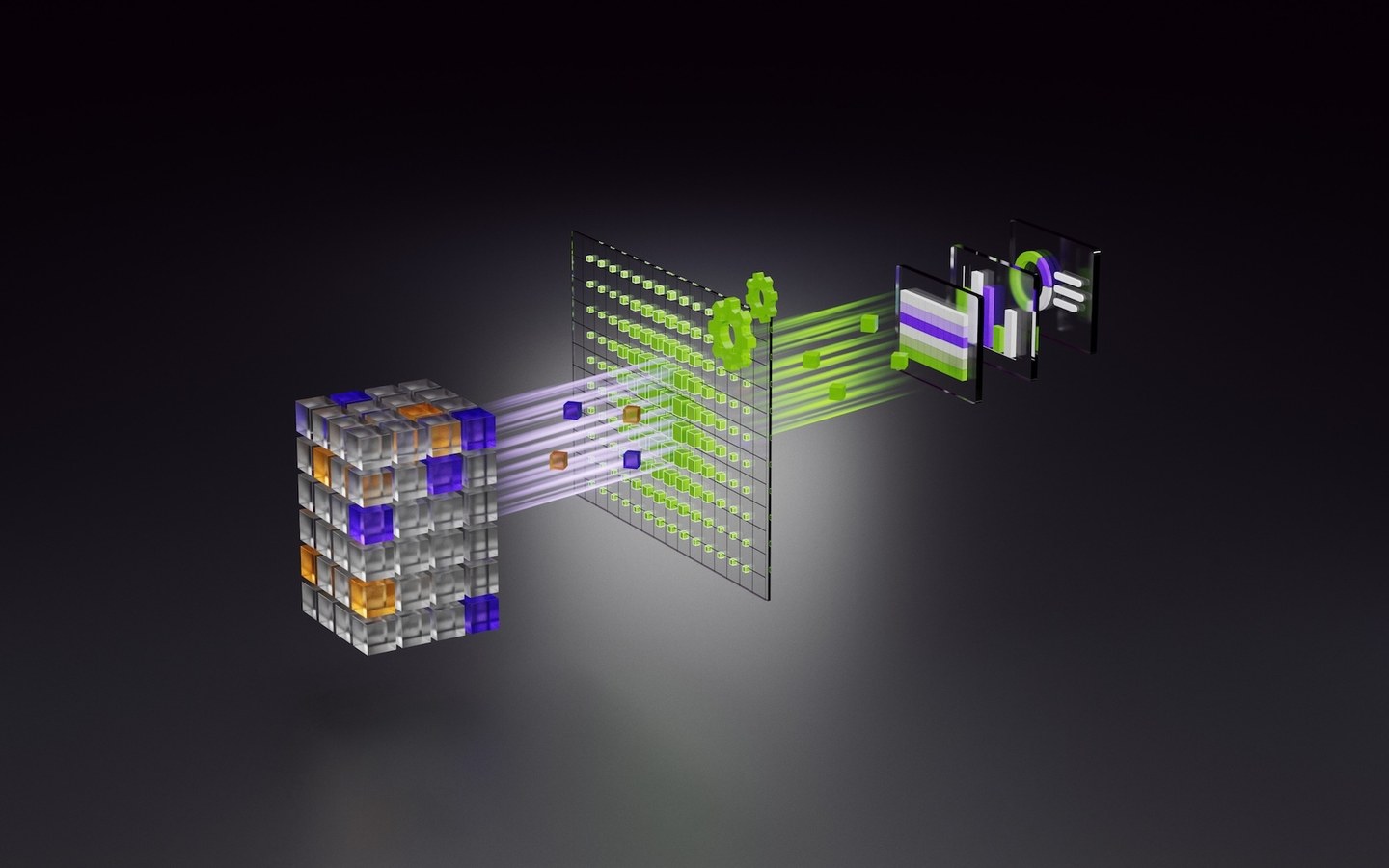
Edge AI systems often run several neural networks under strict power and compute budgets. NVIDIA's Deep Learning Accelerator (DLA) on Jetson AGX Orin provides fixed-function hardware for common operations like convolutions and pooling, improving power efficiency and freeing GPU capacity. Until recently, managing DLA execution meant writing C++ around the cuDLA runtime. The new cuda.bindings.cudla module changes that by exposing cuDLA directly to Python.
A thin Python layer over dedicated silicon
Introduced in cuda-bindings 13.3.0 as part of the CUDA Python project, cuda.bindings.cudla is a Cython-generated binding over the cuDLA C++ API. It exposes 13 functions, 9 data types, and 8 enums for hybrid-mode workflows, where a CUDA stream coordinates DLA inference with GPU preprocessing and postprocessing. On Jetson Orin, JetPack already ships libcudla.so, so no separate DLA runtime or SDK installation is required. TensorRT is needed only if you want to compile a model into a DLA loadable; running an existing loadable needs just the runtime library. The bindings require Python 3.10 or newer; if the JetPack default is older, Python 3.12 can be installed from the deadsnakes PPA.
The binding supports hybrid mode only in this release. Requesting standalone mode raises CudlaError(ErrorUnsupportedOperation), because standalone mode depends on NvSci buffer and sync primitives that aren't yet wired into the Python API. All cuDLA calls raise Python exceptions on failure, with cudla.Status available for granular error handling and standard try/finally cleanup.
The nine-step hybrid execution loop
The inference lifecycle is deliberately explicit, and the same code path works for any DLA loadable because tensor shapes and buffer sizes are introspected at runtime. The essential sequence is:
- Initialize CUDA and create a DLA device in
cudla.Mode.CUDA_DLAhybrid mode. - Load a compiled loadable from memory as raw bytes using
module_load_from_memory. - Query input and output tensor descriptors to discover names, shapes, strides, and exact buffer sizes.
- Allocate GPU buffers based on descriptor
size_values—no hardcoded byte counts. - Register those buffers with the DLA device to obtain hardware-accessible handles.
- Copy preprocessed input data into the registered input buffer.
- Submit the inference task on the CUDA stream and synchronize to read back results.
CUDA driver and runtime calls in cuda-python return a status code as the first element of a tuple, so production code should check every return value. cuDLA calls, by contrast, raise exceptions directly. This split means developers can wrap the DLA-specific portions in a clean try/finally while still validating CUDA status explicitly.
Model preparation and portable DLA hardware
To produce a DLA loadable, NVIDIA's example uses TensorRT 11.4.1 with CUDA 13.4 Update 1 on Jetson AGX Orin running JetPack 7.2.2 or later. The trtexec flags --useDLACore=0 and --buildDLAStandalone create an FP16 CHW16 loadable that runs without TensorRT at inference time. TensorRT 11 now derives precision from the model's tensor types, so the older --fp16 and --int8 flags are no longer supported. Not every network layer is DLA-compatible, and trimming incompatible head and tail layers is often required before compilation.
The same cuDLA Python API runs on NVIDIA RTX Spark, bringing DLA inference to Windows AI developer laptops for the first time. That means a Python workflow tuned on Jetson AGX Orin can move to a portable developer machine without changing the cuDLA orchestration code. For edge AI teams, that's a meaningful step toward hybrid DLA/GPU pipelines that are both power-efficient and easy to prototype in Python.