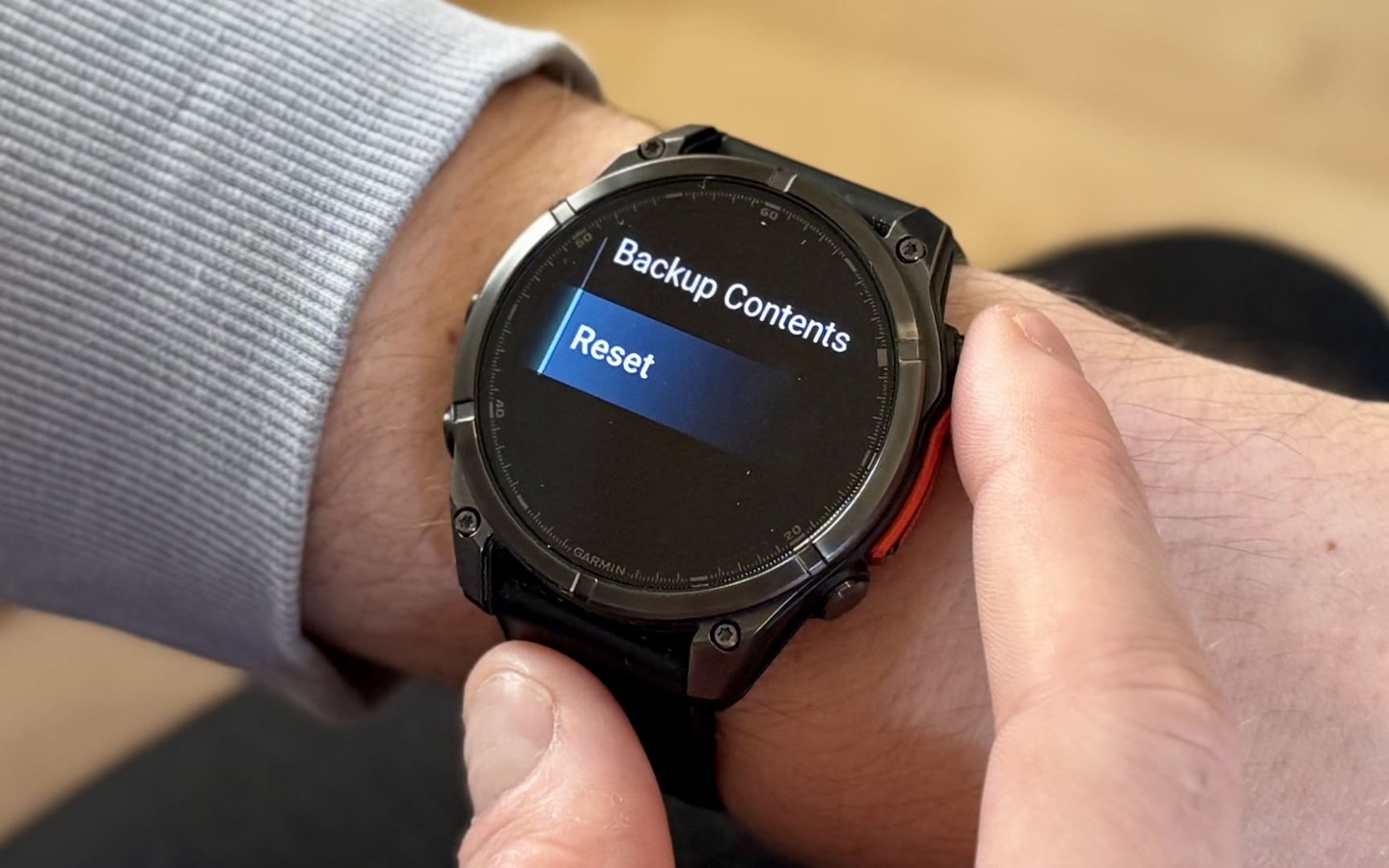
Reset a Garmin watch: Soft reboot or factory reset with these steps
Your Garmin watch may be reliable most of the time, but there's always a chance you'll need to know how to perform a soft or hard reset.
Condensed by AI-Portable from Editorial queue.
Learn the steps to get your Garmin back on track—Fenix, Forerunner, Venu, and more
Your Garmin watch may be reliable most of the time, but it’s good to know how to perform a soft or hard reset just in case.
Yet, despite the steps being simple, it’s still important to understand the various types of Garmin resets. You can perform a soft reboot to restart the device, a hard reset to delete data and settings, or a full factory reset to return the device to its original condition.
This guide covers all you need to know about resetting your Garmin. While some steps may differ slightly between models, the overall process is similar for most devices.
How to perform a soft reset on a Garmin watch (restart)
A soft reboot on many Garmin watches can fix minor issues you might experience during usage.
For instance, turning the watch off and then on again can often resolve issues with features that aren’t functioning as intended, such as GPS lock-on. Additionally, it’s the most effective method to address an unresponsive screen.
Hold down the power button (also labeled ‘Light’ and ‘CTRL’ on some watches) for 15 seconds