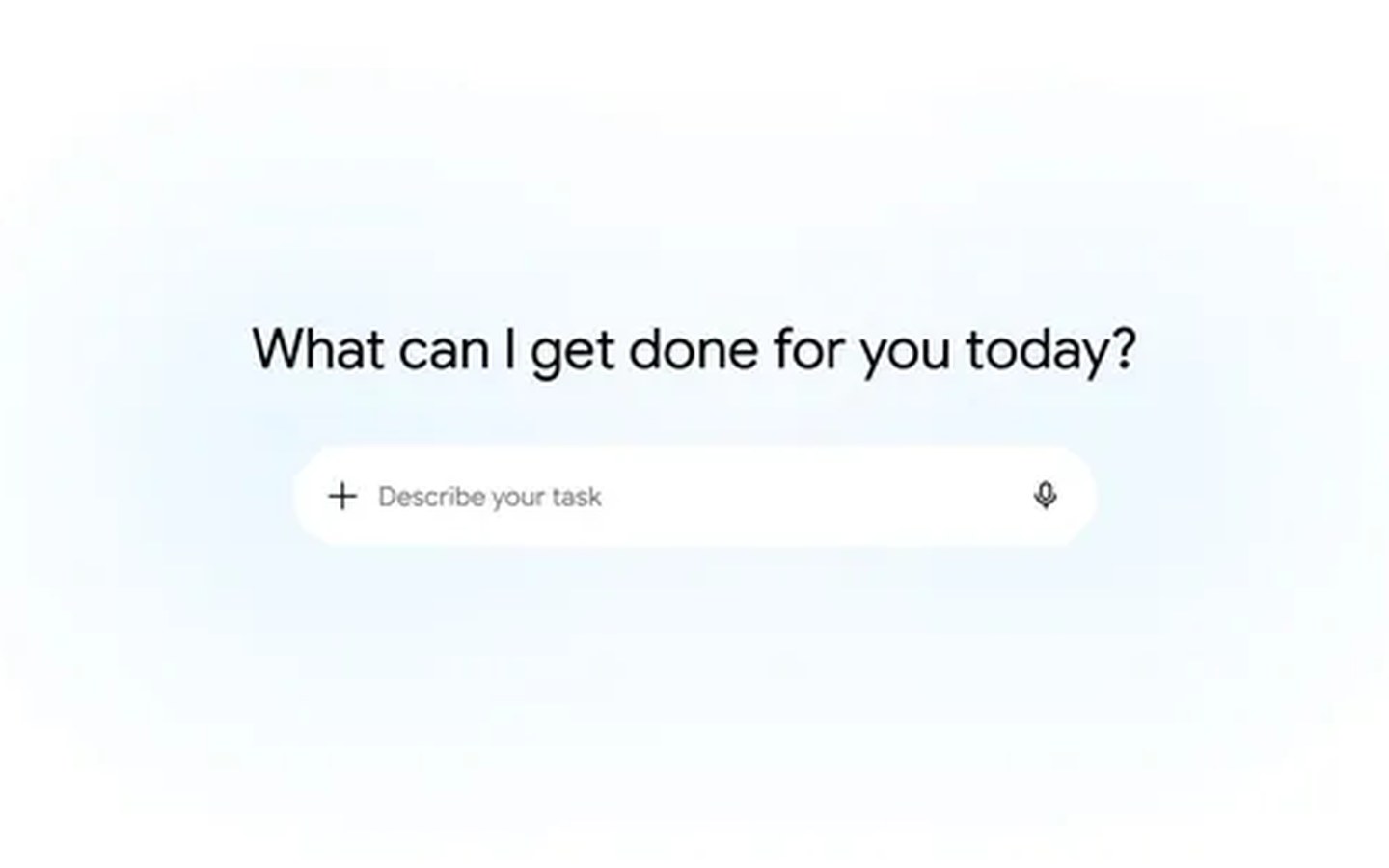
Gemini Spark lands on macOS with hands-free desktop automation
The biggest news is the long-awaited arrival of Gemini Spark on the Mac. Starting today, Google AI Ultra subscribers in the US (18+) can download a beta version that turns Spark into a desktop agent. Instead of just chatting, Spark can now manipulate files and apps directly on your machine—with your explicit permission. You might ask it to sort all the PDFs in your Downloads folder into project-specific folders, or pull invoice data from your local drive to generate a budget spreadsheet in Google Sheets. The assistant respects security boundaries: it only accesses files you’ve granted permission to use.
The roadmap gets even more ambitious. Google says that soon you’ll be able to hand off multi-step tasks to your Mac from your phone. For example, while you’re out, you could instruct Spark to find a sales report on your desktop, extract the total revenue figure, and email it to you. The feature transforms Gemini Spark from a reactive helper into a true remote agent. To try the macOS experience, head to gemini.google/mac.
A growing web of connected apps and custom integrations
Gemini Spark is deepening its ties to third-party services. New integrations rolling out this week include:
- Google Tasks and Google Keep – turn scattered notes into action items.
- Canva – design custom flyers and graphics.
- Dropbox – access and share files.
- Instacart – order groceries.
- OpenTable – book restaurant reservations.
- Zillow Rentals – schedule apartment tours.
These join the existing lineup of connected apps, making Spark a central hub for everyday productivity. For power users, Google is also rolling out support for custom Model Context Protocol (MCP), letting you wire almost any app into Spark to build a tailored assistant. The web and mobile versions get the new connections first; the macOS app will follow in the coming weeks.
Real-time monitoring turns Spark into a proactive alert engine
Perhaps the most understated upgrade is Spark’s new ability to track topics and react to events without constant manual checking. You can ask it to monitor a broad range of sources: blogs, news sites, social media, finance, shopping listings, weather, sports scores, and your email. It then pushes you updates the moment something important happens. For instance, set a rule to get a detailed financial summary if a stock hits a threshold, or receive match analysis as soon as your soccer team’s game ends. This transforms Gemini Spark into a persistent, background intelligence layer that frees you from the refresh-button reflex.
The updates mark a significant evolution: Gemini Spark is becoming less of a chatbot and more of a cross-device agent that acts on your behalf across desktop, mobile, and cloud. With macOS support, deeper app connections, and real-time monitoring, Google is stitching together an ambient AI experience that could quietly reshape how we interact with information and tools.