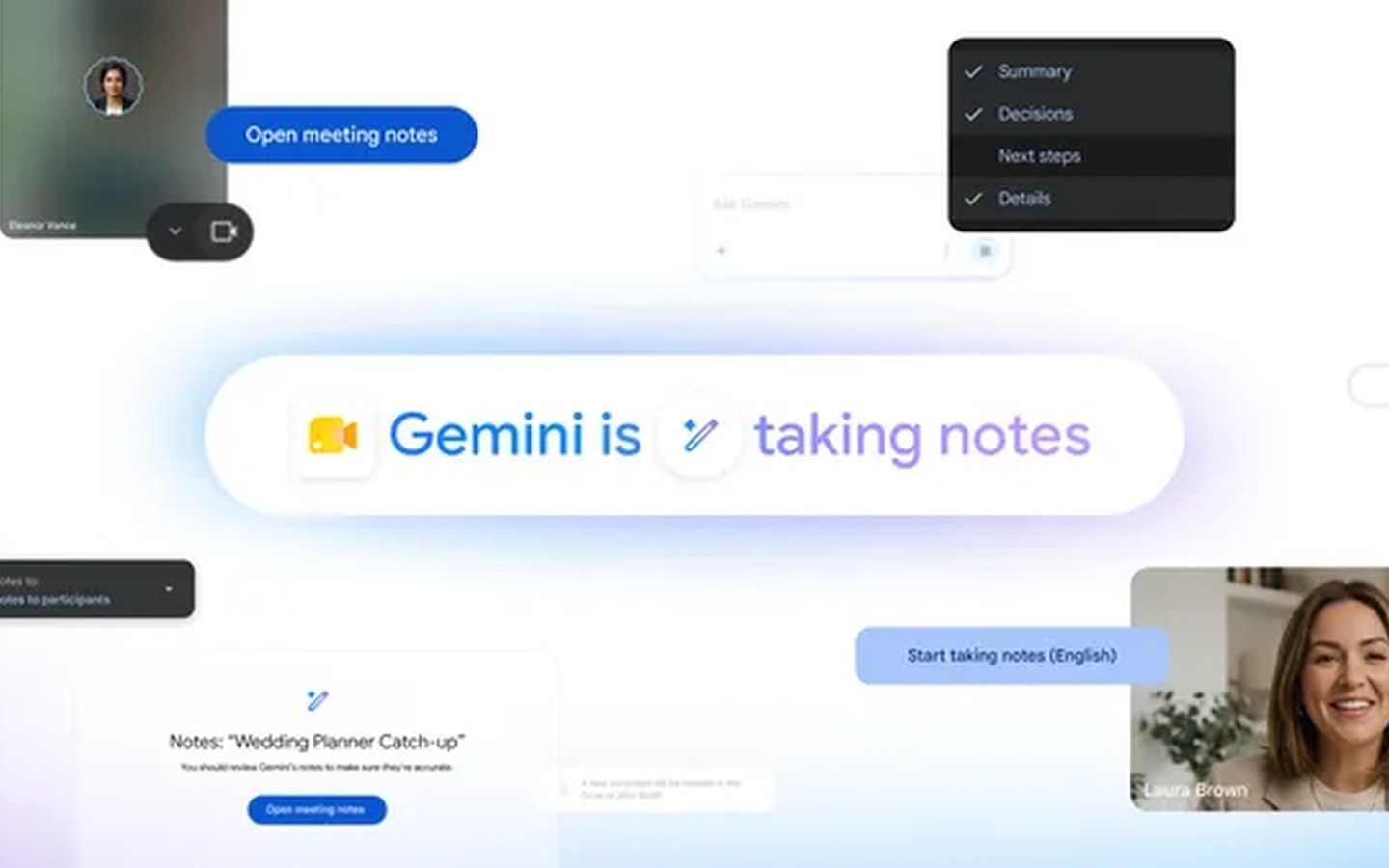
Google has quietly rolled out a feature that could change how you experience virtual meetings. Dubbed "Take notes for me," the tool puts Gemini to work in the background of Google Meet, automatically capturing the conversation and distilling it into a structured summary. It’s aimed squarely at people who want to stay present in discussions without frantically typing bullet points.
A hands-free scribe during calls
When you enable the feature, Gemini begins transcribing in real time. Unlike a simple transcription dump, it actively processes the dialogue to produce a coherent meeting summary that highlights key action items and decisions. The system works across web and mobile, so it’s equally useful at your desk or on the go—fitting smoothly into the portable AI workflow.
- Real-time capturing: Gemini transcribes the conversation and generates a meeting summary with actionable takeaways.
- Seamless saving: Notes are automatically saved to a Google Doc in your Google Drive, making them easy to share or reference.
- Instant recaps: After the meeting ends, you receive an email containing the summary and action items, so nothing slips through the cracks.
All participants are notified when the feature is active, maintaining transparency. Google says the tool is designed for scenarios ranging from neighborhood planning meetings to client calls for a catering business—anywhere clear follow-ups matter.
Who gets access and how to turn it on
"Take notes for me" is not a blanket rollout. You’ll need a Google AI Pro or Google AI Ultra subscription, or be part of an eligible Workspace business plan. Language support remains limited for now, with the feature operating in select languages during its initial phase.
To use it during a call, click the pencil icon at the top of your Meet window. If you prefer a set-it-and-forget-it approach, head to Meeting records in your Google Meet settings and enable it for all calls you host. Google notes that only the host can activate the tool—so if you’re joining a meeting, you’ll have to rely on the organizer to kick it off.
What this means for portable AI
This release underscores a broader shift: AI note-taking is moving from experimental beta to a practical, subscription-gated utility. By baking Gemini directly into Meet, Google is making a clear push to monetise advanced Workspace features and lock users into its ecosystem. For portable AI enthusiasts, the mobile support is key—you can now step away from a laptop, take a walking meeting, and still return to a clean summary that’s already in your Drive.
However, the feature isn’t without friction. The host-only activation and limited language rollout may temper early enthusiasm. And while the automatic Doc saving is clever, users who prefer other note-taking systems might find themselves manually exporting data. Still, for those already paying for Google’s premium AI tiers, "Take notes for me" removes a persistent distraction from the meeting experience. As voice-based AI assistants continue to evolve, expect similar note-taking capabilities to become table stakes across collaboration platforms.