Affiliate links on Android Authority may earn us a commission. Learn more.
One UI 9 Watch Beta 2 arrives in Korea with fixes for Health, watch face, and AOD issues.
The Galaxy Watch 8 series gets improved stability with the September security patch.
Samsung is still refining the Wear OS 7-based software ahead of wider availability.
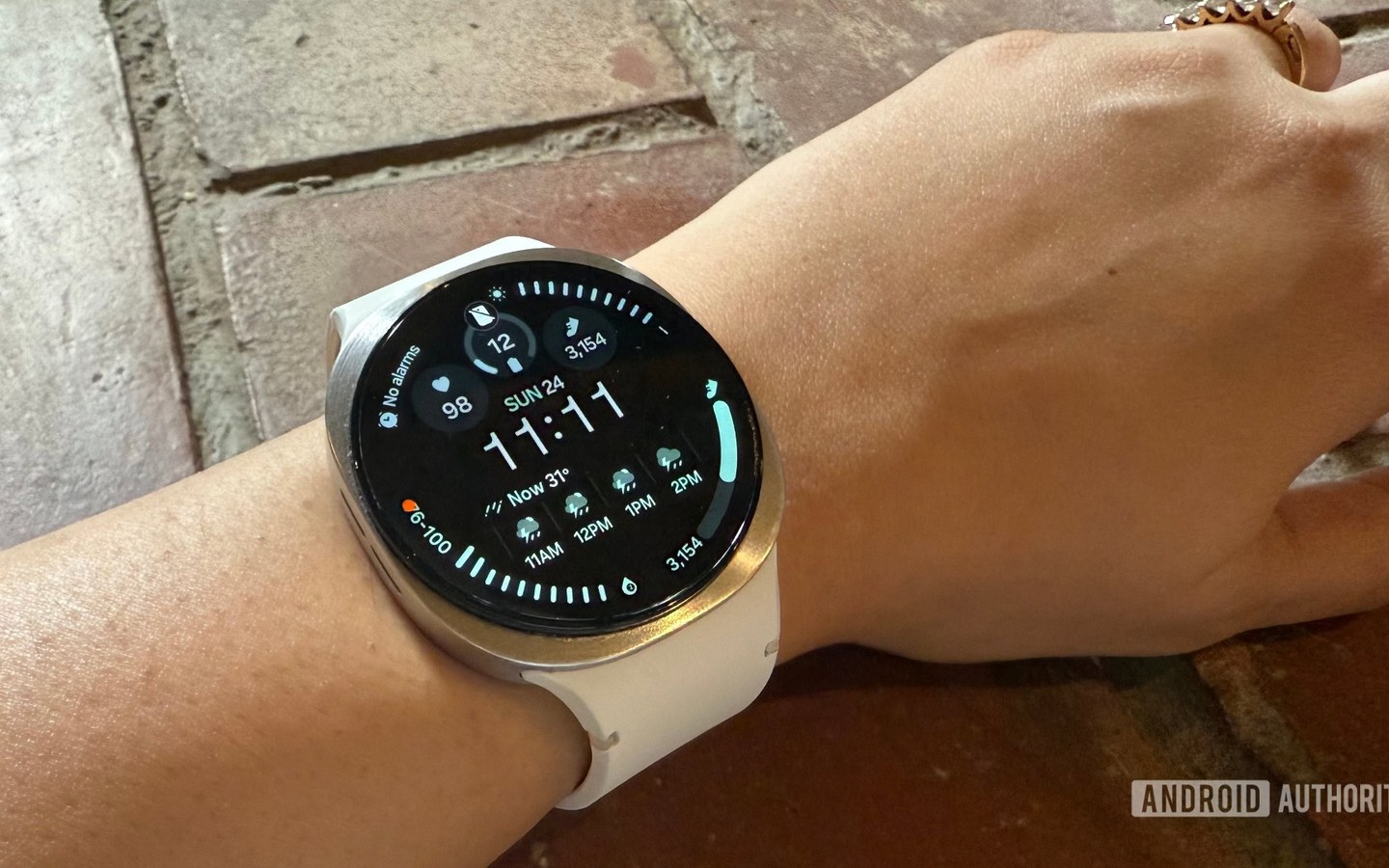
Samsung is giving its latest smartwatch software a little more polish after kicking off the One UI 9 Watch beta program for the Galaxy Watch 8 series last month. The first beta brought a substantial visual overhaul, new watch face customization, safety tools, and deeper Samsung Health insights. But as with any early software release, it still had a few rough edges. Samsung is now addressing some of those with the second One UI 9 Watch beta.
The update is rolling out to Galaxy Watch 8 and Galaxy Watch 8 Classic users in South Korea who are enrolled in the beta program, with firmware version ZZI1, according to SammyGuru . It also includes the September 2026 security patch, giving testers a newer security baseline as Samsung continues working on the Wear OS 7-based software.
According to a changelog shared in the Korea community forum (via SamMobile ), Beta 2 focuses on four key areas. Samsung has applied additional stabilization code to improve overall device performance and fix errors affecting the Samsung Health app. The company has also addressed problems with watch faces, including issues that could occur when using or switching between different watch face options.
The fourth fix tackles an issue with the Always On Display (AOD) that could cause the displayed time data to be incorrect. That’s particularly important for a smartwatch feature users rely on for quick, at-a-glance information.