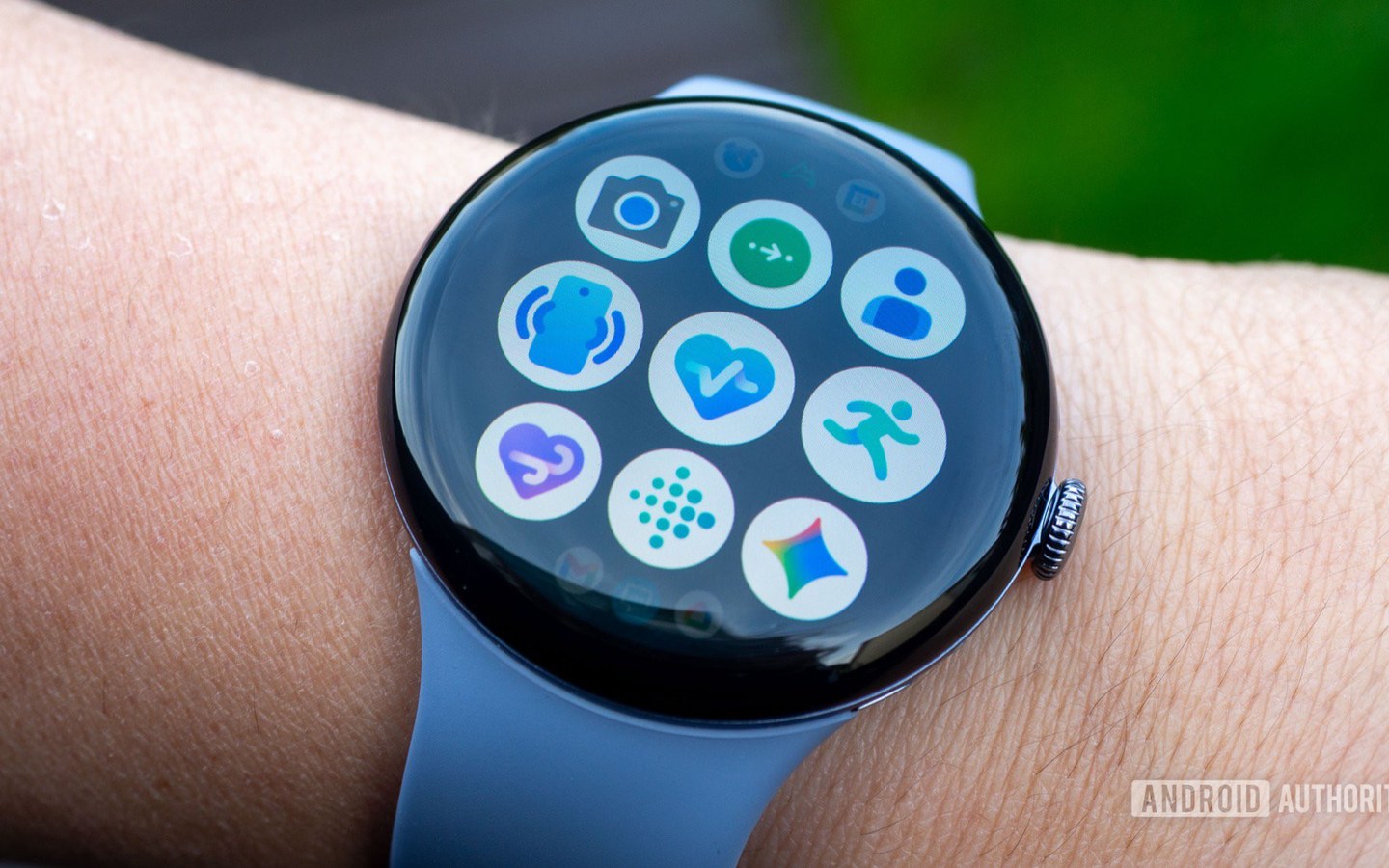
Google is quietly pushing a new Find people feature into the Find Hub app on Wear OS, and the name is a little misleading. According to Android Authority, the rollout is less about finding other people from your wrist and more about letting the people you already trust keep an eye on you. It’s a deliberate one-way design that turns an LTE smartwatch into a lightweight location beacon rather than a full navigation tool.
A one-way window
When the feature appears on a watch, it shows a simple list: who can see your location and how long the sharing session will last. There is no map of other people, no contact picker, and no start-sharing button. If location sharing hasn’t been configured on the paired phone, the watch displays an “Open on phone” button and stops there. The setup itself lives in Find Hub on Android, using Google’s existing Location Sharing system—the same infrastructure that already powers people tracking in Find My Device.
But the watch still has a few notable limitations:
- You cannot initiate location sharing from the watch.
- You cannot tap someone’s name to see where they are on a map.
- You cannot adjust who can see you without returning to the phone.
That sounds restrictive until you look at what the feature is actually for.
Why the phone remains the control center
The key scenario is an LTE-equipped Wear OS watch. Once you’ve shared your location with someone from your phone, the watch can keep transmitting its position using its own GPS—even if you leave the phone at home. Going for a run, cycling, walking the dog, or stepping out for errands without a phone become less of a safety trade-off. The person on the other end can still see your live location.
This explains the stripped-back interface. The watch isn’t trying to become a miniature version of Find Hub where two people can track each other. If you want to see someone else’s location, Wear OS sends you back to your phone. The watch focuses on maintaining your outgoing signal, not consuming incoming location data.
Android Authority also notes that there’s a dedicated Location Sharing toggle on the watch. Flipping it on for the first time triggers explanatory screens about how the system behaves across Google apps. Switching it off stops that watch from sharing your location. However, simply removing location permission from the Find people app does not stop device-level Location Sharing. That distinction matters because a user might revoke the app’s map access and still be visible to trusted contacts.
Where this fits in portable AI
For on-wrist devices, this is a sensible pattern. A smartwatch is a personal safety device first in many contexts. Keeping location sharing one-way reduces interface complexity, lowers battery drain, and avoids trying to cram a phone-sized map experience onto a small screen. It also makes the watch more independent: with LTE and GPS, the phone becomes optional for outgoing location sharing.
The result is a wearable that behaves like a passive beacon. That may disappoint anyone hoping to find a friend from their wrist, but it aligns with how Google is treating Wear OS as a companion for focused tasks. Expect more of this kind of deliberately limited but genuinely useful feature on wearables—especially when the phone is out of reach.