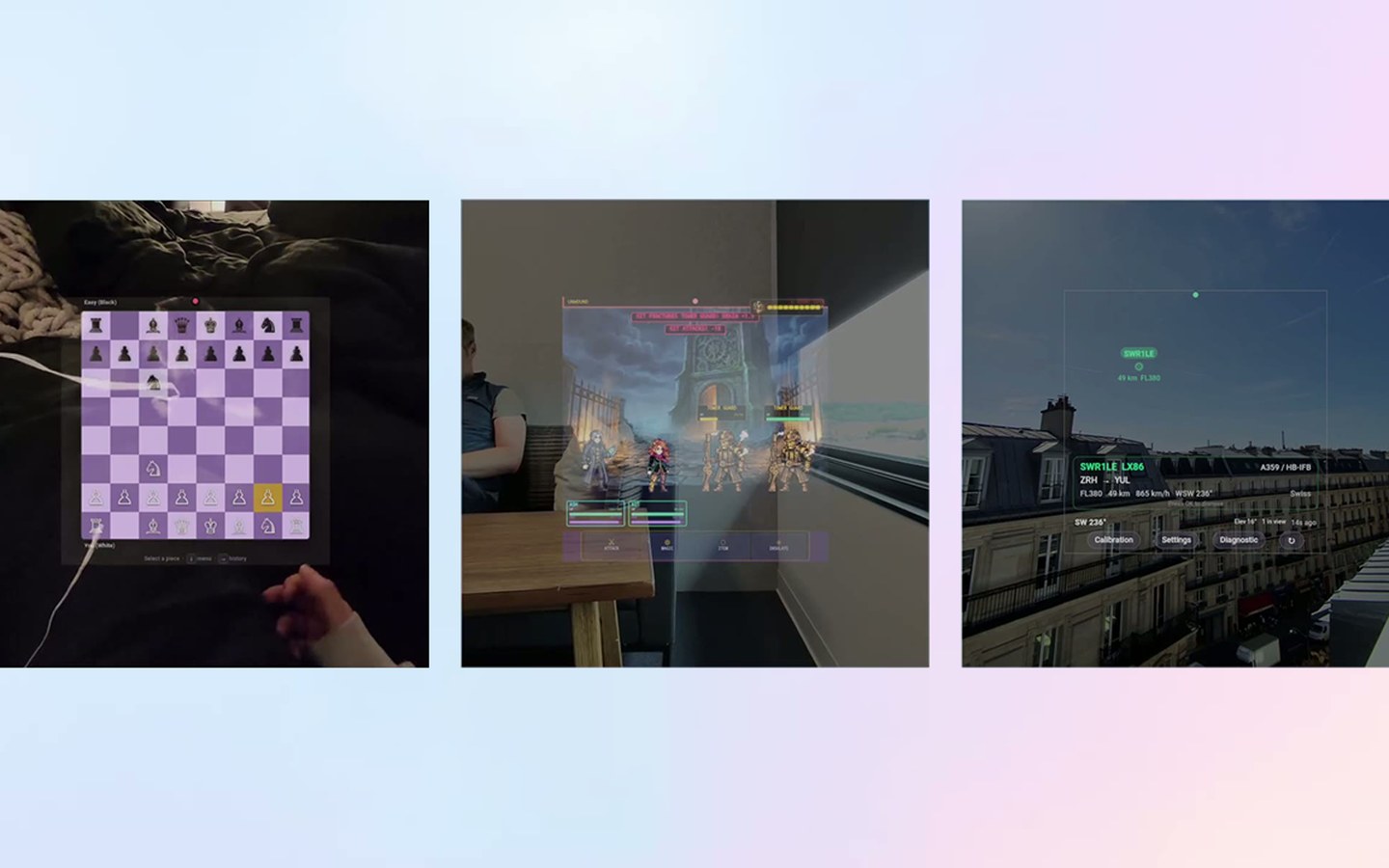
Meta rolled out the ability to develop visual apps for Meta Ray-Ban Display, controlled by Meta Neural Band, and developers are already building interesting things.
Developers have been able to extend their smartphone apps to access the camera and microphone of Meta's smart glasses since December , if the user enables developer mode and grants permission, through the Wearables Device Access Toolkit SDK. But the only output they could send to the glasses was audio via Bluetooth.
Meta's teaser of visual app support for Meta Ray-Ban Display.
Last month, Meta added support for bringing apps to Meta Ray-Ban Display's heads-up display (HUD), through two separate paths: Extended Smartphone Apps and Standalone Web Apps .
T he same Wearables Device Access Toolkit SDK developers have been using to access the glasses camera in their smartphone apps can now send UI content to the display.
Within the display area, developers can show text, images, buttons, icons, and videos, using Meta-provided UI components, styled and laid out within FlexBox containers.
Developers implement these components in the same language they likely already use for the rest of the app, Swift for iOS and Kotlin for Android.
For the extended smartphone apps path, raw input from the Meta Neural Band is handled by Meta's operating system. The user can navigate between and click on the buttons developers placed using the same finger swipe gestures they use for the rest of the operating system, and the smartphone app will receive these click events to run code on the phone and update the display.