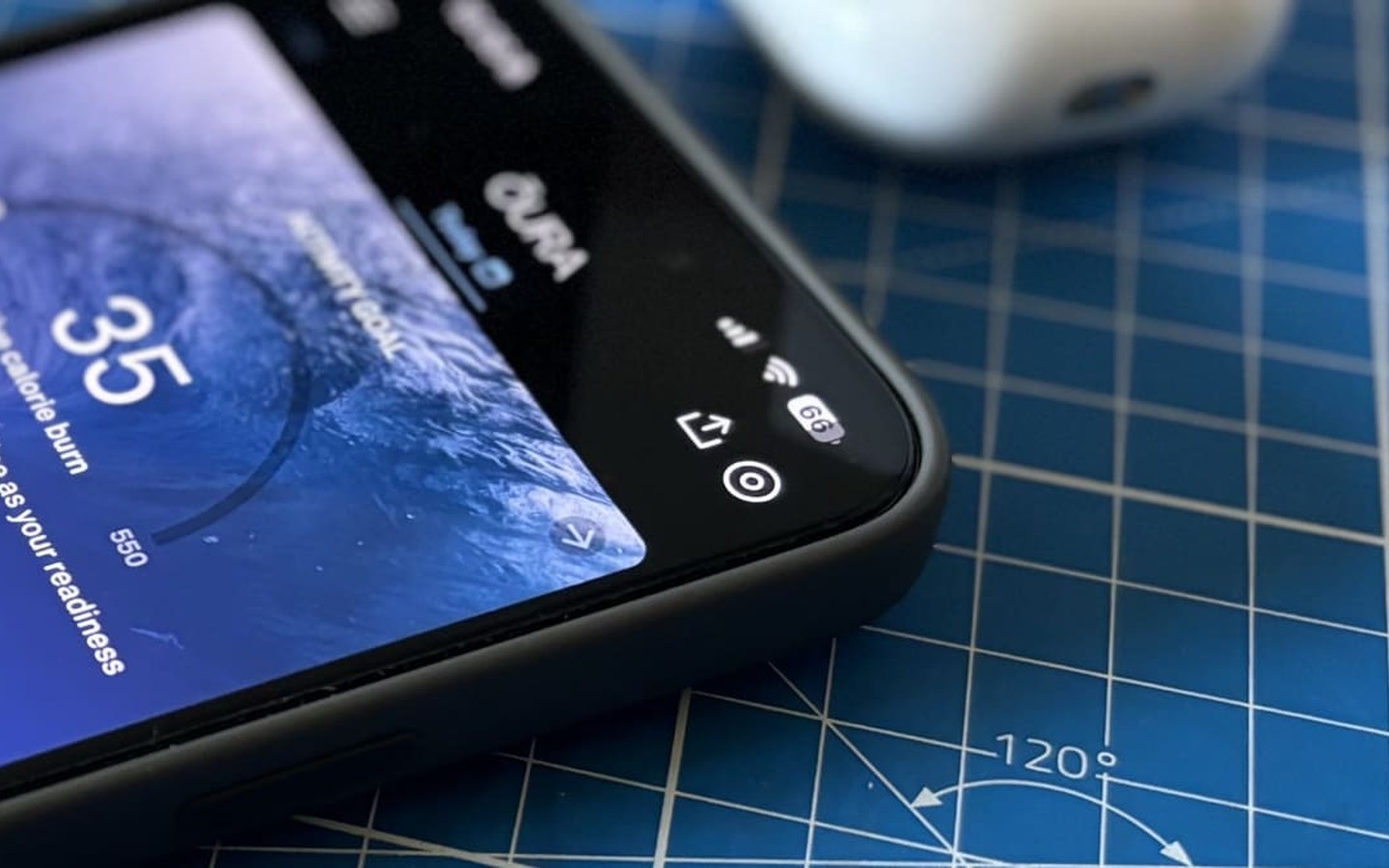
After wearing the Oura Ring 4 continuously for nearly two years, Wareable’s testing shows the battery typically holds for about a week with regular use. That’s an improvement over the Gen 3, but competitors like RingConn still stretch further between charges. When you’re traveling or can’t find the charger, squeezing out an extra day or two can be a lifesaver—especially if you rely on Oura’s AI-driven readiness and sleep insights. Here are five field-tested tricks to maximize your ring’s running time.
1. Turn off blood oxygen sensing
SpO₂ monitoring runs overnight and provides valuable wellness context, but it’s also a known battery hog. In the Oura app, go to the menu, tap “Blood oxygen sensing,” and toggle it off. Confirm by tapping the X. The ring will skip those nighttime measurements, and you’ll see noticeably slower drain. This is often the first setting the reviewer disables when a charger isn’t handy.
2. Disable location services for the Oura app
Find My Ring is handy for locating a misplaced device, but constant background location pings eat into both ring and phone batteries. To trade that safety net for longer tracking, navigate to iOS Settings > Privacy & Security > Location Services, choose Oura, and set it to “Never” or “Ask Next Time.” Also switch off “Precise Location.” Location-free usage still lets the ring sync manual GPS-tagged activities if you record them with your phone, so daily insights remain intact.
3. Activate the ring’s built-in airplane mode
This isn’t the same as your phone’s airplane mode; it cuts the Bluetooth link between the ring and your phone directly from the Oura app. Tap the ring icon in the top-right corner, and switch on “Ring airplane mode.” The disconnection lasts up to seven days, during which the ring continues to record all health data locally. When you’re ready to sync, just place it on the charger and the connection reestablishes. It’s an excellent last-resort trick for multi-day trips without a charging dock.
4. Store it in power-saving mode for long periods
If you plan to stow the ring for more than two weeks, Oura recommends putting it into a low-power state. There’s no dedicated mode, so you’ll need to perform a factory reset in a specific way to trigger it. Full instructions are available in Wareable’s storage guide, but the gist is: reset the ring, then immediately remove it from Bluetooth range and let it sit idle. This prevents the battery from degrading while it’s out of rotation.
5. Keep firmware updated
Software tweaks often include power optimizations, so staying current helps. Since version 2.11.0 (May 2026), firmware updates happen automatically as long as Bluetooth is on, the ring is connected, and its charge is above 30%. You can check your firmware version by tapping the ring icon in the Oura app and swiping left. Cross-reference it with Oura’s release log to ensure you’re not missing any efficiency gains.
None of these tips require you to use all at once; mix and match based on your situation. For consistent AI-driven tracking—which relies on uninterrupted data streams to surface readiness, sleep stage breakdowns, and cardiovascular trends—preserving battery directly supports the accuracy of those insights. A steady stream of data means healthier patterns for Oura’s algorithms to learn from.